Cloud Pulse — frequently asked questions
Answers to common questions about Cloud Pulse browser-based computing labs and education virtual machines.
What is Cloud Pulse?+
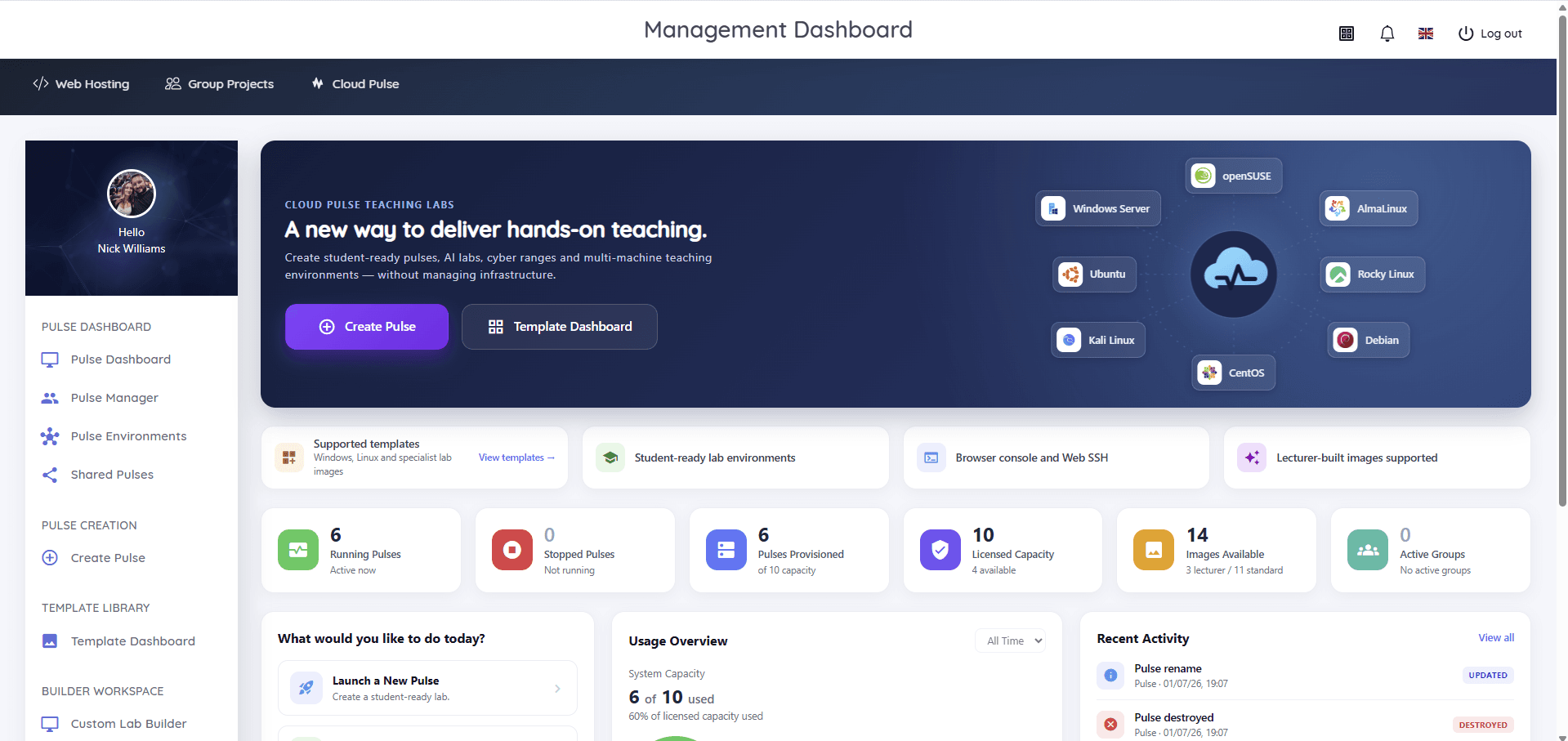
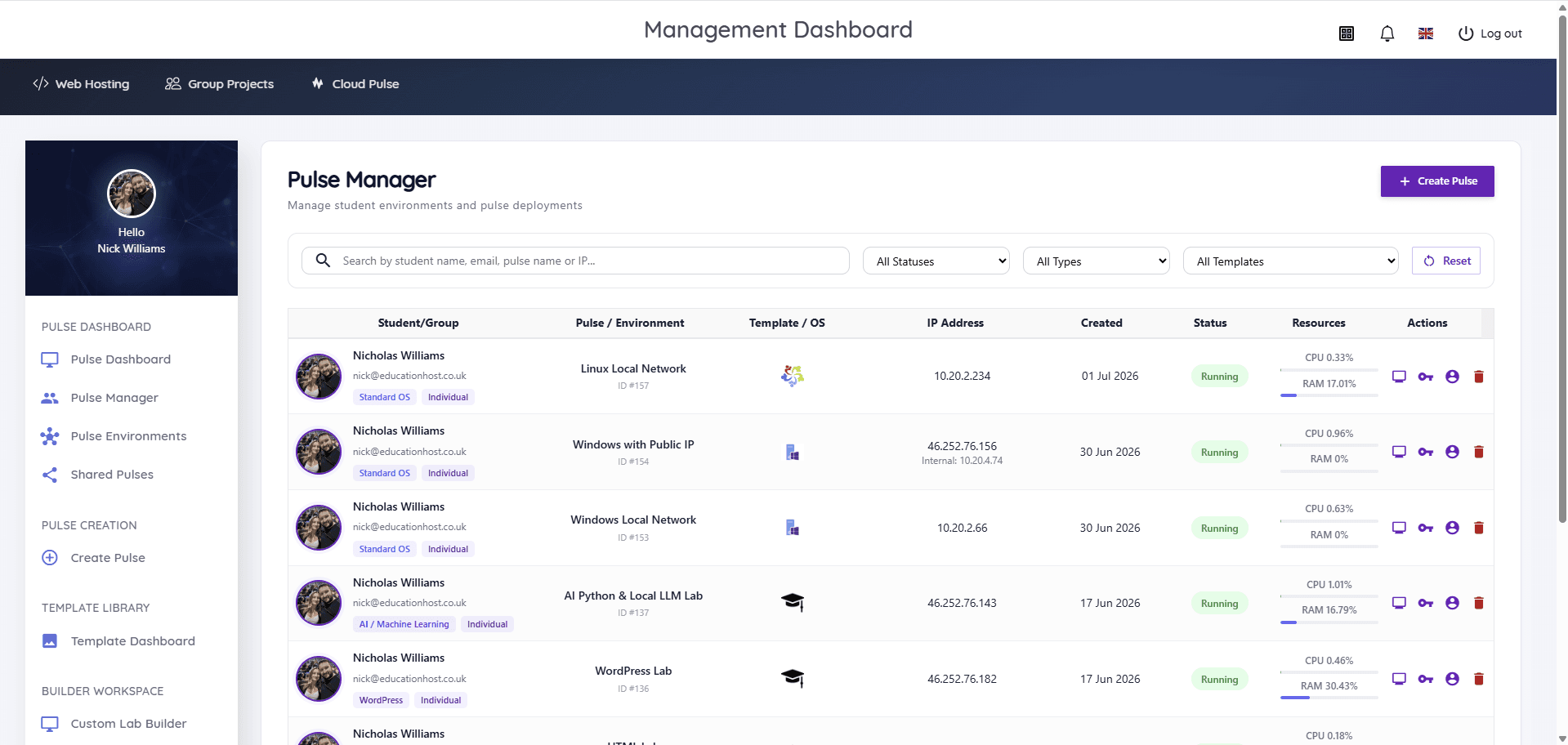
Cloud Pulse is Education Host's browser-based computing lab platform for higher education. Lecturers create and manage student-ready pulses (education virtual machines and multi-machine teaching environments) that students access instantly through a web browser.
What are browser-based computing labs?+
Browser-based computing labs are teaching environments that run in the cloud and are accessed through a web browser, rather than installed on student devices or physical lab machines. Every student gets the same environment, on any device, without local installation.
Who is Cloud Pulse for?+
Cloud Pulse is built for universities and colleges: lecturers who run practical computing modules, and the technical and IT teams who support them. It suits any department teaching hands-on computing, from computer science to cyber security and data science.
What subjects and modules can Cloud Pulse support?+
Cloud Pulse supports practical teaching across AI and Python, cyber security, Linux administration, Windows Server, web development and WordPress, networking and data science, plus specialist modules using lecturer-built images and custom lab templates.
Can lecturers create their own lab environments?+
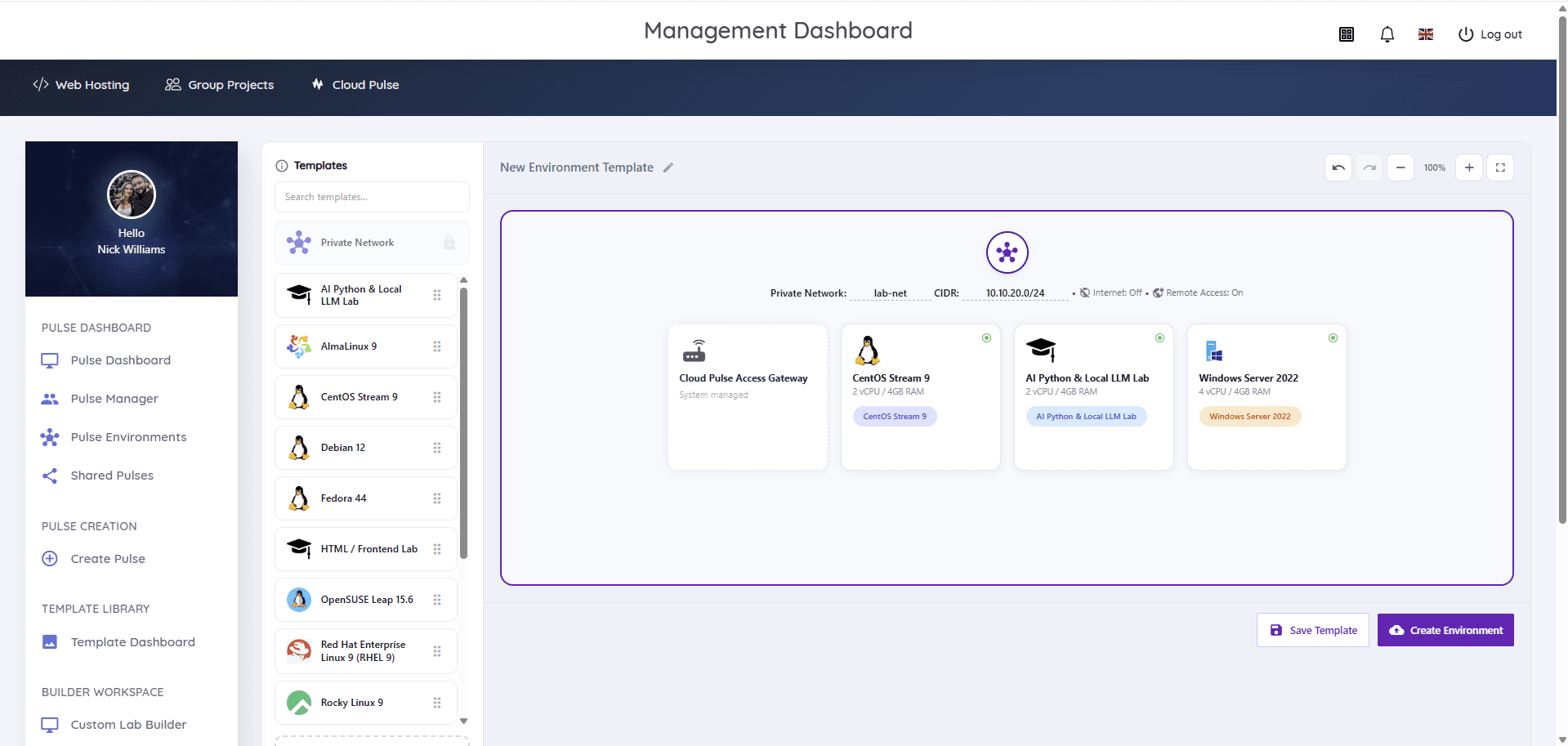
Yes. Lecturers can build custom lab environments in the Custom Lab Builder (including private networks and multi-machine designs), save them as reusable templates, and use lecturer-built images preloaded with module-specific tools.
What operating systems does Cloud Pulse support?+
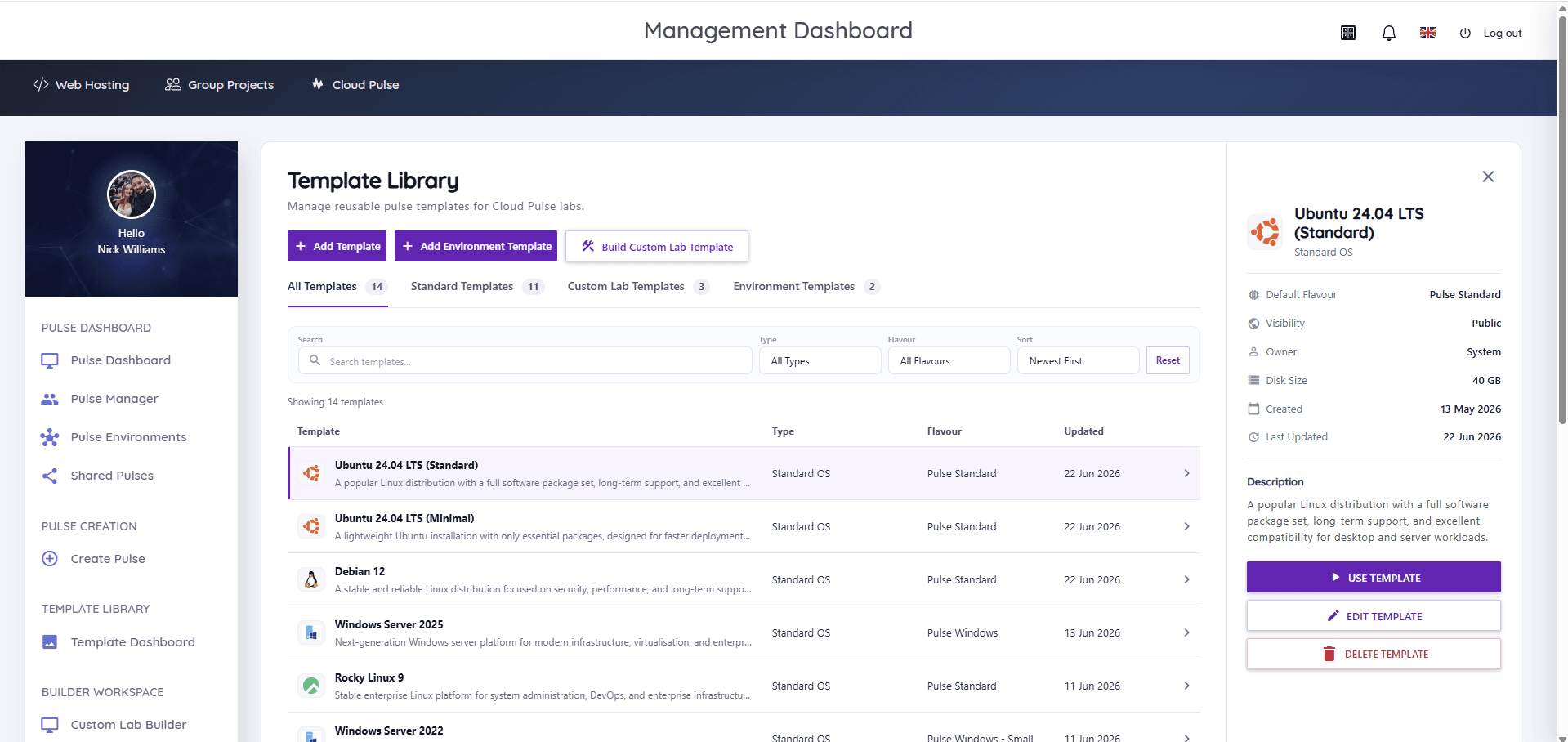
Cloud Pulse provides standard templates for Ubuntu, Debian, AlmaLinux, Rocky Linux, openSUSE, CentOS Stream, Red Hat Enterprise Linux, Fedora, Windows Server and Kali Linux, alongside custom and lecturer-built environments.
How do students access Cloud Pulse?+
Students access their environments through a web browser, with in-browser console and Web SSH access. Where an institution configures SSO, students sign in with their existing university login, including Microsoft Entra ID.
Why use Cloud Pulse instead of local installs?+
Local installs depend on each student's device, operating system and permissions, and consume teaching time in setup and troubleshooting. Cloud Pulse gives every student an identical, ready-to-use environment in the browser, and lets lecturers see and support environments centrally.
Can Cloud Pulse support AI, cyber security and Linux teaching?+
Yes. Cloud Pulse runs AI and Python labs including local LLM environments, isolated cyber security labs with private networks and Kali Linux, and Linux administration environments across the major distributions.
Can lab environments be reused across semesters?+
Yes. Environments are saved as templates in the Template Library, so a module's lab can be redeployed for each new cohort or academic year without rebuilding it.
Is Cloud Pulse suitable for higher education?+
Yes. Cloud Pulse is designed specifically for higher education teaching, and is part of the Education Host digital campus alongside Student Web Host Manager and Education Host's managed infrastructure for universities and colleges.
Can universities outside the UK use Cloud Pulse?+
Yes, get in touch. Education Host is UK-based with a North American contact office and works with UK universities and colleges first. For institutions elsewhere, regional requirements such as identity integration and data residency are discussed during scoping.