Skip to content
Education Host

Service

WordPress website audits and health checks

A practical review of your WordPress site, plugins, theme, hosting environment, security risks and performance — with clear recommendations from a team that hosts, supports and maintains WordPress sites.

  • WordPress core, plugin and theme review
  • PHP, hosting and server environment checks
  • Security, admin access and update risk review
  • Performance and reliability recommendations
  • Backup, SSL and maintenance checks
  • Clear report with practical next steps

For education organisations, charities, museums, service-led organisations and businesses with existing WordPress sites — a scoped professional review, not an automated scan.

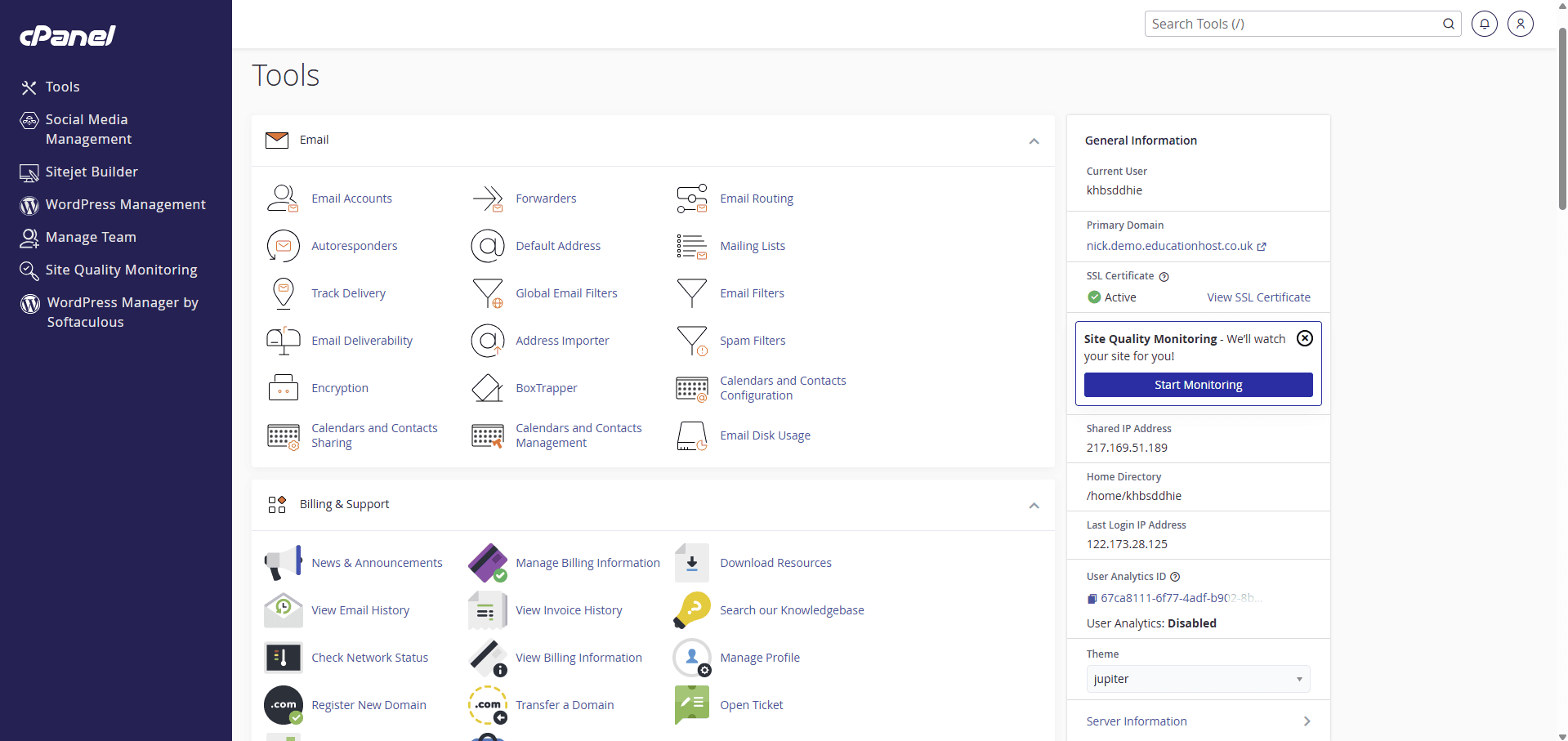
cPanel interface on Education Host hosting showing WordPress management tooling alongside email accounts, site builder tools and hosting account information
WordPress tooling inside cPanel on Education Host hosting — the hosting layer a WordPress audit reviews alongside the site itself
The audit

What is a WordPress website audit?

A WordPress website audit is a structured technical review of an existing WordPress site. It looks at the health of WordPress core, plugins and themes, the PHP and hosting environment underneath, and the security, backup and performance position around them.

It covers the parts of a site that quietly decide whether it stays fast, dependable and safe to update: update state, plugin quality, admin users and access, SSL and HTTPS, backups, error logs and whether the hosting still fits the site.

The aim is not to produce a long technical document nobody reads. The aim is to identify what needs attention, what is urgent, what can wait and what should be improved next.

What the audit looks at

  • WordPress core version and update state
  • Installed plugins and themes
  • PHP version and server environment
  • SSL, HTTPS and domain configuration
  • Backup position and restore options
  • Admin users and access
  • Performance and page speed
  • Security and maintenance basics
Why health checks matter

WordPress sites should not be left to drift

WordPress is a dependable platform when it is looked after — and most sites are set up well on day one. The risk builds slowly afterwards, as plugins fall behind, themes stop being supported and the PHP version underneath ages.

The gap usually shows itself at the worst time: a page fails before an enrolment deadline or a campaign launch, a backup turns out not to have run, or an update cannot be applied because nobody is sure what it will break.

A periodic health check keeps that drift visible and manageable. It replaces guesswork with a clear picture of where the site stands and what deserves attention next.

Signs a site needs attention

  • Plugins several versions behind, or abandoned by their developers
  • A theme that is no longer updated or supported
  • An old PHP version the site has never been moved off
  • Pages that have become noticeably slower
  • Backups that have never been checked or tested
  • SSL, HTTPS or domain issues that never quite get fixed
  • More admin accounts than anyone can explain
  • Hosting that no longer fits how the site is used
What we check

What we check during a WordPress audit

Every audit is scoped to the site in front of us, but these are the areas a WordPress health check normally covers.

WordPress core version

Whether core is current, how far behind it is and whether it can be updated safely.

Plugin and theme updates

Update state across installed plugins and themes, and what is blocking anything from updating.

PHP and server environment

The PHP version and server configuration the site runs on, and whether they are still appropriate.

Security basics

Common WordPress security and maintenance risks, from update gaps to weak operational practices.

Admin users and access

Who has administrator access, whether accounts are still needed and how access is managed.

SSL and HTTPS

Certificate validity, HTTPS configuration and mixed-content or renewal issues.

Backup position

Whether backups exist, where they go, how often they run and whether restores have been considered.

Performance and page speed

How the site performs for real visitors, and the likely causes where it is slow.

Hosting suitability

Whether the current hosting still fits the site's size, traffic and importance.

Error logs and visible issues

Errors, warnings and broken behaviour visible in logs and on the site itself.

Risky or abandoned plugins

Plugins that are unmaintained, redundant or known to cause problems.

Recommended next steps

A prioritised view of what to fix first, what to plan and what to keep an eye on.

Security & maintenance

Security and maintenance review

The audit reviews common WordPress security and maintenance risks — outdated components, risky or abandoned plugins, admin access that has grown over time, backup gaps, SSL and HTTPS issues and hosting environments that have fallen behind.

We are deliberately careful about what this means. An audit helps identify risks and reduce avoidable ones; it is not a penetration test, and it should never be treated as a guarantee that a site is secure. What it gives you is an honest view of where the risks sit, and clear recommendations for dealing with them.

What the security review covers

  • WordPress core, plugin and theme update risk
  • Risky, redundant or abandoned plugins
  • Administrator accounts and access hygiene
  • Backup gaps and untested restores
  • SSL, HTTPS and certificate position
  • Hosting environment and PHP version risk
  • Prioritised, practical recommendations
Performance & hosting

Performance, hosting and reliability

Slow WordPress sites are rarely slow for one reason. Performance usually comes down to a mix of hosting, plugin overhead, theme weight, unoptimised images, database bloat, missing or misconfigured caching and the PHP version underneath.

The audit looks at how the site actually behaves, identifies the likely causes and recommends practical improvements — with honest advice about which changes are quick wins and which need more careful work. We do not promise a specific speed figure; we tell you what is slowing the site down and what to do about it.

What the performance review covers

  • Page speed and how the site feels to visitors
  • Plugin overhead and theme weight
  • Caching position and configuration
  • Image and media optimisation
  • Database and site health
  • PHP version and hosting limitations
  • Reliability issues and recurring errors
The report

A clear report with practical next steps

The output of the audit is a report you can actually use — written in plain English, separated by priority and specific enough to act on, whether the work is done by your team, a supplier or Education Host.

Urgent risks

Issues that need attention now — the small number of things we would not leave unresolved.

Recommended fixes

Problems worth fixing soon, described with enough detail for whoever does the work.

Maintenance improvements

Changes to updates, backups and access that make the site easier to keep healthy.

Hosting recommendations

Whether the current hosting still fits the site, and what to consider if it does not.

Performance improvements

The practical changes most likely to make the site faster and more reliable.

Optional next steps

Longer-term considerations — rebuilds, migrations or ongoing support — flagged honestly, never pushed.

Illustrative report extract

What does a WordPress audit finding look like?

An audit finding should explain the evidence, its significance and the next action. This example shows the format; it is not a finding from a customer site or an assessment of your website.

Example finding: restore process not demonstrated

Evidence to record
The backup schedule and storage location, plus whether a recent restore test can be evidenced. A successful backup log alone does not demonstrate recovery.
Why it matters
If a site fails before an admissions deadline, the team needs to know which copy it can recover and who can carry out the restore.
Recommended action
Agree a safe restore test in an isolated environment, assign an owner and record the steps. Any implementation work is scoped separately.
How to verify the improvement
Record which backup was restored, check the restored pages and key functions, and document any remaining gaps. Priority depends on the site's actual recovery needs.
After the audit

Audit only, or help fixing the issues

The audit works as a standalone review. Plenty of organisations take the report and action it with their own team or an existing supplier — the recommendations are written so that is straightforward.

Where you would rather not do the work yourself, Education Host can help after the audit: applying updates, improving backups, fixing SSL and DNS issues, tuning performance, moving the site onto managed WordPress hosting or putting ongoing maintenance and support in place.

Some fixes need separate scoping — particularly where an ageing theme, a custom plugin or legacy code means changes carry risk. Where that is the case, we say so in the report rather than fold risky work into a quick fix.

Where we can help after the audit

  • Plugin, theme and WordPress core updates
  • Backup and restore improvements
  • SSL, HTTPS and DNS fixes
  • PHP and server environment changes
  • Performance improvements
  • Migration to managed WordPress hosting
  • Ongoing WordPress maintenance and support
Who it's for

Who is a WordPress audit for?

Education is Education Host's primary focus, but WordPress audit and health-check work extends across charities, museums, service-led organisations and business customers.

Schools and colleges

School and college websites that carry admissions, parent communication and statutory information.

Universities and departments

Departmental, project and campaign WordPress sites that sit outside the main institutional CMS.

Charities and museums

Sites that matter to donors, visitors and funders but rarely have dedicated technical staff behind them.

Housing and service-led organisations

Customer-facing WordPress sites where reliability and clear information matter.

Small businesses

Business sites built on WordPress that have not had a technical review since launch.

Existing Education Host customers

A structured health check for WordPress sites Education Host already hosts or supports.

Neglected WordPress sites

Sites that have not been touched in a long time and need an honest view of where they stand.

Teams unsure about updating

Teams that want to update WordPress, plugins or PHP but are not sure what will break.

How it works

How the WordPress audit works

Simple and low-friction — a short conversation, an agreed scope, a clear report.

  1. 1

    Tell us about the site

    The site, how it is hosted if you know, and any concerns — slow pages, overdue updates or a warning nobody is sure about.

  2. 2

    We confirm access, scope and goals

    We agree what the audit covers, arrange the access we need and confirm what you want out of it.

  3. 3

    We review WordPress, plugins, theme and hosting

    Core, plugins and theme are reviewed alongside the PHP and hosting environment the site runs on.

  4. 4

    We check security, backup and performance basics

    Common risks around updates, admin access, SSL, backups and performance are checked and noted.

  5. 5

    You get a clear report and recommendations

    Findings are separated into urgent risks, recommended fixes and longer-term improvements — in plain English.

  6. 6

    You decide what happens next

    Action the report with your own team or supplier, or ask Education Host to help with fixes, hosting or ongoing support.

Wider services

Part of wider WordPress, hosting and support services

A WordPress audit is often the first step before a hosting move, a site rebuild, a maintenance plan or a wider support arrangement — these are the Education Host services it connects to.

WordPress Hosting

Managed WordPress hosting for education, teaching and institutional sites — a common next step after an audit.

Explore WordPress Hosting

Managed Technical Support

Ongoing support for platforms, hosting, DNS and SSL — including the fixes an audit recommends.

Explore Managed Technical Support

Consultancy

Wider reviews and planning where the audit surfaces bigger questions about platforms or infrastructure.

Explore Consultancy

Managed Infrastructure

The UK data-centre hosting behind Education Host managed services.

Explore Managed Infrastructure

Education Web Hosting

Managed web hosting for education organisations, from single sites to institution-wide hosting.

Explore Education Web Hosting
Before you enquire

What do we need to scope your WordPress audit?

Start with your website address, the problems you want investigated and any important deadlines. We confirm scope, access requirements and the quote before the audit begins.

  • Website address and whether it is a single site or a multisite network
  • Known concerns: updates, slow pages, recurring errors, backups or access
  • Hosting provider, existing support arrangements and any available staging site
  • Upcoming admissions, campaign or migration deadlines

Do not send passwords or sensitive access details through the enquiry form. Access arrangements are agreed separately.

Discuss a WordPress audit

How does a WordPress audit become an actionable change plan?

The example below is illustrative, not a customer report or a finding about your website. Imagine a departmental WordPress site with an ageing enquiry-form plugin, no recorded restore test and an upcoming admissions deadline. The visible symptom is an unreliable form; the underlying change risk includes plugin compatibility, stored enquiries and recovery.

An audit records what was observed, the evidence available and what could not be verified. It prioritises work against the site's purpose and dependencies. A version number or missing record alone does not prove a vulnerability, and an update alone does not prove the workflow is fixed.

Illustrative audit action register — owners and verification
Finding and evidenceAction and proposed ownerEvidence needed before closing
Form failure reproduced on an agreed test page; plugin/version inventory recordedSite owner and technical maintainer agree the required fields, delivery and retention before choosing an update or replacementAuthorised test enquiry follows the intended delivery path; validation and failure behaviour work; required records remain accessible
Backup schedule reported, but no representative restore evidence availableTechnical owner confirms files/database coverage and tests restoration in an approved environmentDated restore record, configuration, observed result and any omitted material; an untested item remains open
Plugin update compatibility has not been establishedMaintainer checks licences/dependencies and tests the proposed change with an agreed fallbackEditing, form, login and important visitor journeys pass; faults have owners and accepted next actions
Ownership after the project is unclearService owner allocates updates, content, support and future checksNamed contacts, maintenance/recovery responsibilities, escalation and next review recorded
  • Before the change: approve scope, permitted test data, safeguards, change window and stop/fallback decisions.
  • During the change: record versions/configuration, observed results and any unresolved issues.
  • After the change: the authorised owner accepts the evidence; failed or untested checks are retested or explicitly escalated.

Do you need an audit, maintenance work or a hosting migration?

Choose the next conversation from the evidence and desired outcome. These activities can be connected, but buying hosting does not automatically resolve application problems. An audit can be useful without a migration, and a successful migration does not prove every plugin is maintained or every workflow is suitable.

Choosing the next WordPress service conversation
SituationUseful next stepWhat to agree
You do not know the site's condition or why it failsScope an audit and obtain an evidence-based action listAccess, exclusions, tests, report and any areas that cannot be verified
Known issues have an agreed fixScope the application or maintenance workResponsibilities, licences, test environment, fallback, acceptance and separately priced work
Current hosting cannot meet a verified requirementAssess the destination and migrationPortability, software fit, data/domain/DNS dependencies, acceptance and ongoing operation
The site works but needs ongoing careAgree maintenance and support scopeWho updates each layer, handles incidents and verifies backup/recovery and lifecycle

What should your team receive at handover?

Agree the audit deliverable during scoping: findings, evidence, business/teaching impact, priority reasoning, recommended action and remaining uncertainty. A usable register also identifies the proposed owner, prerequisites and how completion would be verified.

Remediation is separately scoped where needed. Record whether your team, another supplier or Education Host will do the work, and who accepts the outcome. Retain the change history and review dates so the next maintainer can understand what was actually tested.

  • Keep public evidence and confidential technical details in appropriately controlled records.
  • Do not send administrator passwords or student/pupil records through the initial enquiry.
  • Identify critical teaching, enrolment or publishing dates and acceptable interruption before scheduling changes.

Prepare a WordPress requirements brief

Compare the control, recovery and lifecycle questions behind your WordPress project. The free planner creates a tailored checklist and editable brief without registration; it is a planning aid, not a site scan or compatibility verdict.

Build your WordPress readiness plan

WordPress website audits — frequently asked questions

Answers to common questions about WordPress audits and health checks for education organisations, charities and businesses.

What is a WordPress website audit?

A WordPress website audit is a structured technical review of an existing WordPress site, covering WordPress core, plugins, themes, the PHP and hosting environment, security basics, backups and performance — with clear recommendations at the end.

Why does a WordPress site need an audit?

WordPress sites drift as plugins, themes and PHP versions age, and problems tend to surface at the worst time. A periodic audit identifies what needs attention, what is urgent and what can wait — before something breaks.

What does Education Host check during a WordPress audit?

Education Host reviews WordPress core, plugin and theme update state, the PHP and server environment, SSL and HTTPS, backups, admin users and access, error logs, performance and whether the current hosting still fits the site.

Will the audit fix my WordPress site?

The audit identifies issues, risks and recommendations rather than making changes to the site. Fixing the issues can be scoped separately, or Education Host can provide support where appropriate.

Do you check plugins and themes?

Yes. Plugin and theme review is central to the audit — update state, compatibility and plugins that are risky, redundant or abandoned by their developers.

Do you check WordPress security?

We check common WordPress security and maintenance risks such as outdated plugins and themes, admin access, SSL, backup position and the hosting environment. An audit helps identify risks, but it should not be treated as a guarantee that a site is secure.

Do you check website performance?

Yes. The audit looks at page speed and the likely causes where a site is slow — plugin overhead, caching, images, database health, PHP version and hosting — and recommends practical improvements rather than promising specific speed figures.

Do you check hosting and PHP versions?

Yes. The audit reviews the PHP version and server environment the site runs on, and whether the current hosting still fits the site's size, traffic and importance.

Is this only for education organisations?

No. Education is Education Host's primary focus, but we also support charities, museums, service-led organisations and business customers with WordPress audits, hosting and technical support.

Can businesses request a WordPress audit?

Yes. Education Host carries out WordPress audit and health-check work for business customers as well as education organisations — the process and the report are the same.

How often should we audit a WordPress site?

For most active WordPress sites, a health check once or twice a year is sensible — especially before major updates, campaigns, redesigns or hosting changes.

Can Education Host migrate or host the site afterwards?

Yes. Where the audit recommends a hosting change, Education Host can migrate the site onto its managed WordPress hosting and provide ongoing support, planned to minimise disruption.

How do we request an audit?

Contact Education Host or book a consultation. We start with a short conversation about the site and your concerns, confirm scope and access, and agree the audit from there.

Request an audit

Get a clear picture of your WordPress site

Tell us about the site and anything that worries you — slow pages, overdue updates or simply not knowing where it stands. We will scope a practical audit and give you a report you can act on.