Microsoft has announced that Azure Lab Services will be retired on 28 June 2027, and it has been closed to new customers since 15 July 2024. Universities using it for teaching labs need to replace the classroom layer it provided — per-student environments from a shared image, schedules, quotas and educator controls — either with another lab platform or by building and operating an equivalent themselves. This guide sets out what needs replacing, how to evaluate the options and how to run a low-risk migration pilot.
Why are universities looking for Azure Lab Services alternatives?
The immediate reason is retirement: Microsoft's published retirement guide states that Azure Lab Services stops operating on 28 June 2027, and the service has not accepted new customers since 15 July 2024. Institutions that built teaching provision on it have a fixed deadline, and those that never adopted it can no longer start.
The deadline lands on top of longer-standing frustrations that many teaching teams will recognise from any lab service: cost that is hard to predict before a module runs, environment creation that sits with administrators rather than the academics who teach, and lab designs limited to single machines when modules increasingly need small networks of them.
Whatever the mix of reasons, the useful framing is the same: this is a chance to specify what university teaching labs should look like, rather than to find the nearest like-for-like substitute for a retired product.
What functions does an alternative need to replace?
Strip away the branding and Azure Lab Services did a specific, replaceable job: it turned one prepared machine image into a class set of virtual machines, with controls around cost and access. An alternative needs to cover the same functions, however differently it implements them.
- A class from an image — define a module environment once, provision a copy per student
- Educator control — teaching staff able to manage their own labs without infrastructure access
- Student access — a simple way for students to reach their machine from their own devices
- Schedules and quotas — machines available for timetabled sessions and limited hours, not running around the clock
- Windows and Linux — both operating system families, matching the module portfolio
- Cost containment — per-lab limits so a module's spend cannot silently run away
- Institutional sign-in — access tied to university identity rather than separate accounts
Treat this list as the floor, not the specification. Multi-machine lab networks, lecturer-built images and live visibility of student environments are common requirements that go beyond it — capture what your modules actually need before comparing anything.
Are you replacing Azure Lab Services, or replacing Azure?
They are different decisions, and conflating them causes confusion in procurement. Azure Lab Services was one classroom-focused service; Azure is the wider cloud platform most UK universities also use for identity (Microsoft Entra ID), Microsoft 365 and other workloads. Replacing the lab service does not mean leaving Azure, and almost no institution does both at once.
That separation widens the field of options. An alternative lab platform can run on Azure, on another public cloud, or on a provider's own infrastructure — and still integrate with your Microsoft identity estate for sign-on. Microsoft's own retirement guide points customers towards its general-purpose virtualisation services (such as Azure Virtual Desktop and Azure DevTest Labs) and towards partner lab platforms; the right answer depends on whether you want a general-purpose desktop service or a teaching-lab product.
The practical test: if your requirement is standard desktops for productivity applications, a desktop virtualisation service may fit. If it is module-specific environments with root access, isolated networks and semester lifecycles, you are shopping for a teaching-lab platform, whoever hosts it.
Should you choose a managed platform or build in public cloud yourself?
This is the structural decision underneath every vendor comparison. Building directly in public cloud — scripting per-student virtual machines, images, schedules and cost controls on raw Azure, AWS or OpenStack services — is genuinely viable for institutions with strong cloud engineering capacity, and it offers the most flexibility. The cost is that your team builds and then permanently operates a product: provisioning day, semester resets, quota bugs and the 9am outage are all yours.
A managed teaching platform inverts that: the vendor owns the machinery, your staff own the teaching. You trade some low-level control for predictable operational ownership and (usually) more predictable cost. The evaluation then shifts to whether the platform's teaching workflow — how images, cohorts, scheduling and student access work — matches how your academics actually run modules.
Neither answer is wrong, and the decision deserves more space than this section — our dedicated guide compares the two component by component, including the operational-responsibility split and a total-cost checklist.
| Comparison area | Managed teaching platform | Built in public cloud |
|---|---|---|
| Engineering effort | Low — configuration and templates | High — build and maintain the lab layer |
| Operational ownership | Provider runs the platform | Institution runs everything |
| Flexibility | Within the platform's model | Anything the cloud offers |
| Cost shape | Platform fee, typically more predictable | Pure consumption — flexible but needs active control |
| Teaching workflow | Built in, varies by product | Whatever you build |
| Best fit | Teaching-led requirements, limited ops capacity | Strong cloud team, unusual requirements |
Read next: Managed cloud labs versus building directly in Azure
What should universities evaluate in an alternative?
Evaluate candidates against your modules, not against Azure Lab Services' feature list — the point of moving is to solve the next five years' teaching, not to reproduce 2024. The checklist below covers the areas that decide whether a lab platform works in practice; the questions are the ones to put to any vendor, Education Host included.
Score honestly, including the option of building in-house against the same rows. If a vendor cannot answer one of these plainly, that is itself an answer.
| Area | What to ask |
|---|---|
| Windows and Linux support | Which Windows Server versions and Linux distributions are available as ready templates? How is Windows licensing handled and billed? |
| Reusable lab images | Can staff build a module environment once and redeploy it each semester? Can lecturers create images, or only administrators? |
| Multi-machine labs | Can one exercise include several connected machines on a private network — or is each student limited to a single machine? |
| Scheduling and lifecycle | How are environments provisioned per cohort, stopped when idle and removed at module end? What happens automatically versus manually? |
| Authentication and SSO | Does it integrate with our identity provider (for most UK universities, Microsoft Entra ID)? Is SSO standard or per-deployment configuration? |
| Lecturer administration | What can teaching staff do without raising tickets — deploy, monitor, reset, help a stuck student? |
| Student experience | How do students connect — browser, RDP, SSH? Does it work on low-powered and locked-down devices, off campus? |
| Security and isolation | Are lab networks isolated from each other and the institution? Is internet access controllable per lab? How does remote access reach environments? |
| Cost predictability | Can a module's cost be known before it runs? What is metered, what is capped, and what happens when a limit is hit? |
| Support and ownership | Who operates the infrastructure? What does support cover, in whose hours — and do they understand teaching calendars? |
| Migration and exit | How do existing lab images and content move in? How would templates and data move out again? |
How should you plan the migration and pilot?
Plan backwards from 28 June 2027, and leave room for one full academic cycle on the new platform before the deadline — a platform proven across provisioning day, a teaching block and an assessment period is a much safer bet than one proven in a summer demo.
- Inventory what you actually run: modules, images, cohort sizes, schedules and the Azure Lab Services features each module genuinely uses
- Rebuild, don't lift: recreate module environments as native templates on the new platform rather than forcing old images across unchanged — it is usually faster and leaves cleaner results
- Pilot one or two real modules for a full teaching block, with the lecturer, IT and students all involved and success criteria agreed up front
- Run old and new in parallel for one term rather than cutting over the whole portfolio at once
- Confirm identity, data-handling and procurement questions during the pilot, not after it
- Schedule the final migration outside teaching and assessment windows
Pilot design has its own guide in this series — participant roles, staged structure, success criteria and the proceed, revise or stop decision at the end.
Read next: How to run a university cloud lab pilot
Where does Cloud Pulse fit as an alternative?
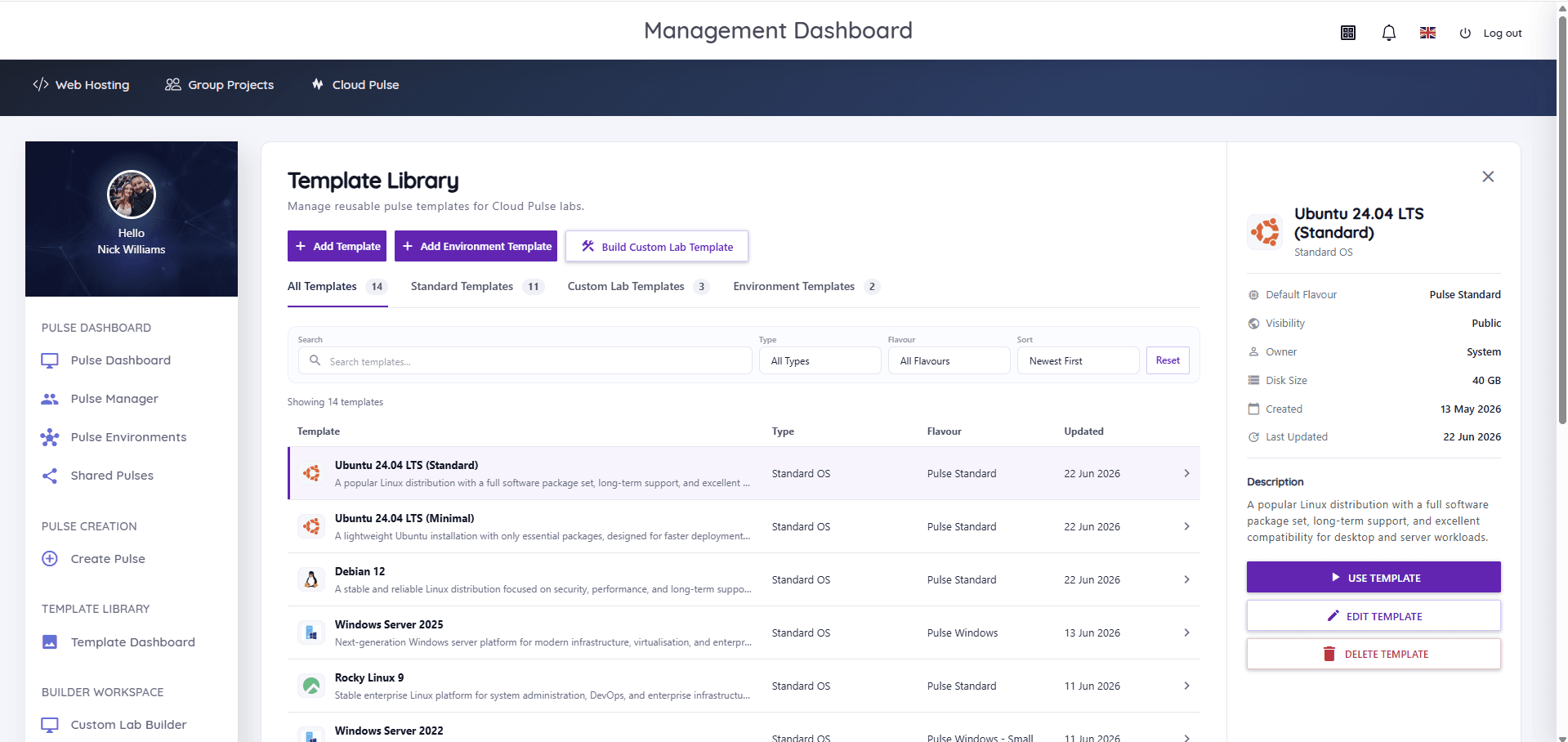
Cloud Pulse is Education Host's browser-based computing lab platform for universities and colleges, and one possible replacement approach: a managed teaching platform rather than a rebuild in public cloud. Lecturers create student-ready environments from reusable templates across Linux distributions and Windows Server, design multi-machine labs with private networks in a visual builder, and monitor every student environment live, with browser-based console and Web SSH access. It can integrate with institutional identity providers, including Microsoft Entra ID, where an institution configures SSO, and Education Host operates the underlying infrastructure as part of the service.
To be clear about what we are not claiming: Cloud Pulse is not a like-for-like clone of Azure Lab Services, and no alternative is — the platforms model teaching labs differently. The honest way to evaluate it, or any candidate, is against the checklist above using one of your own modules. Education Host runs structured pilots for exactly that purpose.