PHP and MySQL remain the backbone of teaching hosting because they are genuinely instructive and genuinely industrial: server-side code and a relational database, running natively on shared hosting, powering an enormous share of the real web — including WordPress, which turns the same stack into CMS, publishing and client-project teaching for departments far beyond computing. Run well at cohort scale, the stack means a database per student created through the control panel, WordPress installed per student through one-click installers where the institution enables them, credentials that never leak into repositories, sites that reset cleanly when broken, and coursework preserved at submission rather than left to rot live.
Why are PHP and MySQL still the teaching stack?
Because they hit the intersection teaching needs: conceptually complete (server-side logic, a real relational database, forms, sessions, authentication — the whole dynamic-web syllabus in one stack), industrially real (a vast share of production websites, agency work and CMS deployments run on exactly this), and operationally native to shared hosting, so every student gets the full stack inside a governed account without administering anything.
'Still' is the right word and worth addressing head-on with students: PHP is not fashionable, and a curriculum should say why it teaches it anyway — the concepts transfer to every server-side ecosystem, the employment market for it is real (especially around WordPress), and the alternative stacks are one module away in a development environment. Fashion is a poor syllabus editor.
How do students create and use databases?
Through their control panel: a student creates a MySQL database and a database user, connects them, and manages the data through phpMyAdmin — schema, queries, imports — all inside their own account's boundary. Their PHP code then connects with those credentials, and the full application-to-database loop (the most important conceptual step in early web development) happens on real infrastructure with nothing shared and nothing to break for anyone else.
Quotas keep the estate sane (databases per account, storage within the account's allowance), and the isolation model means a student's catastrophic query hurts only their own site. Where the module's subject is the database engine itself — administration, tuning, backup strategy — that has outgrown hosting accounts and belongs in lab environments; the database modules guide draws the line.
Read next: Cloud labs for database modules
Can students install WordPress — and should installers be allowed?
Yes, and for most teaching deployments installers should be enabled deliberately. Where the institution enables one-click installers, a student installs WordPress into their own account in minutes — database created, files placed, configuration written — and the module starts at the CMS rather than at an hour of manual setup. The same installers cover a long tail of other applications (the platform Education Host uses offers hundreds, depending on setup), though WordPress dominates teaching use.
The 'should' question is real, and the answer is a policy, not a reflex: enable installers for the applications modules actually teach; treat the rest of the catalogue as default-off or advisory, because every installed application is software the student must now keep updated (the security section below is mostly about this). A module that teaches manual installation once — files, database, configuration by hand — before permitting the installer teaches more than either approach alone.
How should database credentials be managed?
As the first credential-hygiene lesson most students ever get, because this stack forces the issue: PHP applications need database credentials, and where students put them is habit-forming. The rules to teach and enforce: credentials live in the account's configuration files, never hard-coded in page code that gets shared or submitted, and never committed to repositories — a public repo with a wp-config file in it is the classic student leak; per-application database users, not one user for everything; and passwords generated, not invented.
Staff-side, the platform half is straightforward: credentials are per-account by construction (a student's database user cannot see a neighbour's data), and any starter kits lecturers distribute must use placeholders, never real values — the same discipline the templates guidance applies everywhere.
How can broken sites be reset?
Cheaply and predictably — broken WordPress is the single most common support event in teaching hosting, and the response should be workflow rather than surgery. The ladder: fix (deactivate the offending plugin or theme — many breakages end here), restore (files and database back to the last good backup, self-service where the panel supports it), or reinstall (a clean WordPress and re-import of content — minutes, where an installer exists). Students should know the ladder and be encouraged to climb it themselves before ticketing.
The design principle behind it: treat student sites as recoverable by default, so experimentation is safe. A module where breaking your site costs an afternoon teaches caution; one where it costs ten minutes teaches WordPress. The backups guide covers the restore machinery in detail.
Read next: Student website backups, resets and recovery
How should plugins and themes be controlled?
With a light but explicit policy, because plugins are WordPress's power and its attack surface at once. The workable middle for teaching: students may install what their coursework needs; the module names its supported core set (the plugins exercises depend on); anything installed must be kept updated — an outdated plugin is the most common way student sites get compromised; and nulled or pirated themes and plugins are banned outright, being both an integrity issue and a malware vector.
Some deployments curate harder (an approved list, or preinstalled starter sites — next section) for first-year cohorts, loosening later. Either way the policy belongs in module materials, not in the incident post-mortem.
How should outbound email from student sites be handled?
Restrictively, by default, and this one is estate policy rather than module preference: web applications can send mail (contact forms, WordPress notifications), and a cohort of student sites is a spam-relay risk the moment one site is compromised — with consequences (blacklisted server addresses) that damage every account on the estate, not just the offender. Sensible defaults: outbound mail rate-limited and monitored at platform level, contact-form exercises pointed at safe patterns, and any module genuinely teaching email delivery doing so deliberately with the platform team rather than by accident.
Students mostly never notice this layer, which is the point: it is the difference between one compromised site being a contained incident and being the reason the university's student subdomains land in spam folders. The security guide covers the wider abuse-management picture.
Read next: Student web-hosting security and abuse management
What security risks come with this stack — and how are they contained?
The honest risk profile: hundreds of beginner-run PHP applications on public URLs will include, at any moment, some outdated WordPress installs, some vulnerable plugins, some weak admin passwords and some injectable homework code — the standard web-application risk categories (the OWASP Top Ten is the canonical map) expressed at teaching scale. Pretending otherwise helps nobody; the design goal is containment and recovery, not perfection.
Containment is layered: account isolation keeps a compromised site from reaching its neighbours; platform-level controls (outbound email limits, resource limits, malware detection) blunt what a compromise can do; HTTPS everywhere and sane defaults raise the floor; and the recovery ladder above makes cleanup routine. The stack is also the security syllabus's best friend — teaching injection, authentication and update discipline on the very stack students are running makes the lessons concrete. Absolute security claims have no place here; a well-run estate is one where compromise is contained, detected and cheap to recover from.
How can lecturers provide starter sites, and how is coursework preserved?
Starter sites turn setup into teaching time: a lecturer-prepared package — a themed WordPress with the module's plugins, or a PHP application skeleton with placeholder credentials — deployed to or imported by each student, so week one starts from a working baseline every student shares. It is the hosting-world sibling of the lab template: build once, test, distribute identically, and refresh deliberately each year rather than letting the baseline rot.
Preservation mirrors the group-projects pattern: assessed work is captured at submission (export of files and database, or the account moved to a restricted read-only state through marking) rather than trusted to the live site's continued health. WordPress adds one specific: exports should include the database, not just files — a WordPress site's content is the database, and a files-only copy is a theme with amnesia.
How does this stack run on Education Host student hosting?
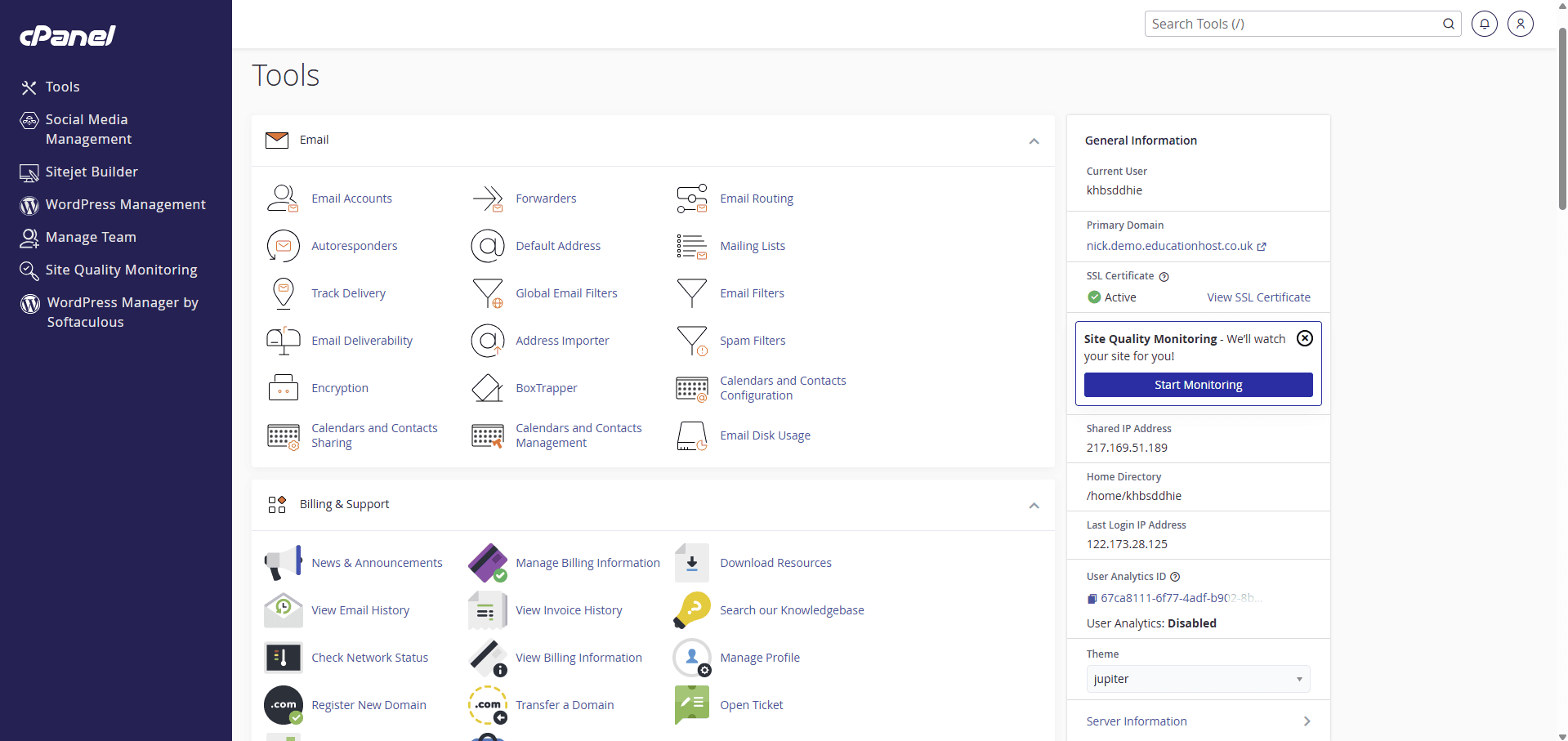
PHP, MySQL and WordPress teaching is the home ground of Education Host's student hosting: students get real cPanel accounts — databases and phpMyAdmin, file management, WordPress tooling and one-click installs where enabled — on institution-branded subdomains with SSL, and Student Web Host Manager wraps the estate in the education layer: Entra sign-in, module structure, lecturer visibility, suspension at marking windows and lifecycle automation. The platform-level protections this guide leans on — isolation, monitoring, backups as part of the managed service — come with the infrastructure Education Host operates.
For CMS-heavy departments there is also dedicated WordPress-for-teaching ground: the use case page maps module shapes, and the student WordPress hosting solution covers deployments where WordPress is the whole story.