Cloud development environments give every student on a software-development course the same toolchain from minute one — the module's language runtimes, editors, dependencies and services arrive pre-installed in an environment deployed from a template, instead of being assembled with varying success on every laptop in the cohort. Students still learn professional workflow (Git, dependency management, running services) inside those environments; work lives in version control so environments stay disposable. The model is not total: some development tasks remain better on local machines, and this guide is honest about which.
Why use cloud development environments instead of student laptops?
Because 'works on my machine' is a cohort-scale problem before it is an industry joke. A software-development module that depends on each student's own device inherits every operating system, permission model, antivirus quirk and half-broken previous install in the room — and the first fortnight becomes environment triage. Provisioned environments dissolve the variance: one tested toolchain, per student, identical, from a template the lecturer controls.
The equity effect is as important as the convenience: coursework stops depending on how new a laptop a student could afford, and locked-down or low-powered devices carry a full development stack because the stack runs server-side. The trade-offs — offline work, device-native development — are real and covered below rather than waved away.
Which languages and stacks can be supported?
Anything that installs on a Linux or Windows Server environment, which in practice covers the standard teaching portfolio:
- Node.js — server-side JavaScript modules, from first Express services to full-stack projects
- Python — scripting, web frameworks and the crossover into data-science teaching
- Java — the long-standing degree staple, with build tooling preinstalled rather than individually fought
- PHP — still the pragmatic web-teaching language, and the bridge to hosting-based coursework
- Databases alongside — MySQL, PostgreSQL or MongoDB inside the environment or on its private network
- Containers where the module teaches them — Docker as syllabus, inside the student's own environment
- Web frameworks and toolchains generally — whatever the module pins, the template ships
The per-module template is the unit of decision: a Java module's environment and a Node.js module's environment are different templates, each pinned and tested against that module's exercises, rather than one bloated everything-image.
How do lecturers keep every student's dependencies identical?
Two mechanisms, layered. The template fixes the base: runtime versions, global tooling, editors and services are installed once, at known versions, and every deployed environment inherits them — nothing is 'brew-installed' sixty slightly different ways. Dependency manifests fix the project layer: modules teach the professional mechanism itself (package.json, requirements.txt, build files) so project dependencies are declared, versioned and reproducible inside those identical environments.
That layering is deliberately pedagogical: students experience why lockfiles and pinned versions exist, in an environment where the base can never be the confounding variable. Mid-term drift disappears too — nobody upgrades anything individually, and a deliberate template update (tested, announced, versioned) replaces the slow chaos of per-machine change.
Read next: Reusable virtual machine templates guide
How should Git and source control work?
Git is the spine of the whole model: work lives in repositories, environments stay disposable. Students clone, commit and push from inside their environment to the institution's Git service or an external provider, exactly as they will in industry — and because the durable artefact is the repository, a reset environment costs minutes, not coursework. Teach this habit in week one and enforce it by exercise design; it is the difference between resets being routine and resets being tragedies.
Source control is also where several other questions in this guide resolve: group collaboration happens through branches and merges rather than shared file editing, submissions are commits or tags rather than zip files, and academic-integrity questions gain a commit history to consult. The one discipline to pair with it from day one: credentials and secrets never go into repositories — covered two sections down.
Can students run web applications, APIs and databases?
Yes — running the thing you are building is the point of a development environment. Students start their application or API inside their environment and reach it through the lab's access route; where the module includes a database, it runs inside the same environment or on the environment's private network, teaching the full application-to-database wiring without anything being exposed to the internet.
Exposure is the deliberate boundary: development services stay private by default, reachable by the student (and the lecturer, for marking) rather than the world. That is the correct development posture anyway — and when a module's endpoint genuinely is public publication of finished work, that is the neighbouring delivery model: governed student web hosting, not a development lab with its ports opened. The two centres' comparison guide draws that line properly.
Read next: Shared web hosting versus cloud labs for teaching
How should secrets and API keys be managed?
Badly-handled secrets are the most common security failure in student projects, so the module's infrastructure should make the good path the easy path. The rules that matter, in teaching order: secrets never go into templates (every student would inherit them), never into repositories (Git remembers forever — a professional lesson best learned before it is expensive), and never shared cohort-wide. Where coursework calls external APIs, institution-issued keys with per-student or per-module quotas beat students' personal accounts — the institution owns the meter and the revocation.
Inside the environment, teach the standard mechanics: configuration through environment variables or ignored config files, with the pattern demonstrated in the starter repository. This is deliberately conceptual guidance — the precise tooling varies by stack — but the invariants (not in the image, not in the repo, not shared, revocable) are the syllabus.
How do group projects work?
Git first, shared environments second. Most group collaboration belongs in the repository — branches, pull requests, reviews — with each student working in their own environment; that is both the industry norm and the model that keeps contributions attributable. A shared group environment earns its place where the team needs a common running instance: the integrated application, the shared database, the demo target — deployed from the module template as a group environment alongside individual ones.
The classic group-work failure modes have infrastructure answers: a member leaving is a repository-access change plus (if needed) a group-environment reset; the submission is a tag plus the assessed running state; and 'who did what' is the commit history rather than testimony. Design assessment to lean on those properties deliberately.
How should assessment and academic integrity work?
Assess through the repository and, where the coursework runs, in a fresh environment. Submission as a tagged commit gives markers the code and its history; deploying the submission into a clean environment from the module template answers 'does it actually run?' under identical conditions for every candidate — the marking equivalent of the reproducibility the module has been teaching all term.
Integrity benefits are real but should be claimed honestly: commit histories make wholesale last-minute imports visible and conversations about contribution evidence-based, without pretending to be plagiarism-proof. Freeze the module template version through the assessment window, and archive it, as the templates guide describes — the environment is part of the assessment record.
When is local development still preferable?
Sometimes, and course teams should say so without embarrassment. The honest list:
- Offline and low-connectivity work — a cloud environment needs a connection; a student coding on a train does not
- Device-native development — building for the device in your hand (mobile development against real hardware, desktop GUI work) fits remote environments awkwardly
- Very interactive, latency-sensitive tooling — heavy IDE debugging sessions tolerate remoteness, but some workflows feel it
- Teaching environment-setup itself — one deliberate 'set up a toolchain on your own machine' exercise has professional value precisely because the rest of the module removed the pain
- Final-year autonomy — capstone students often benefit from owning their whole stack, cloud or local, as a learning outcome
Most portfolios land on cloud-by-default for taught modules with deliberate local exceptions — a decision to make per module, not per department.
| Comparison area | Student laptops | Cloud development environments |
|---|---|---|
| Environment consistency | Varies per device; drifts all term | Identical from template; drift-free |
| Week-one setup cost | High, recurring, support-heavy | Near zero for students |
| Device equity | Coursework tracks laptop quality | Any device with a browser |
| Offline work | Native | Not available |
| Device-native development | Native | Poor fit |
| Reset after breakage | Hours, sometimes a reinstall | Minutes, from template |
| Marking reproducibility | "Works on my machine" disputes | Clean-environment deployment |
How does Cloud Pulse support software-development teaching?
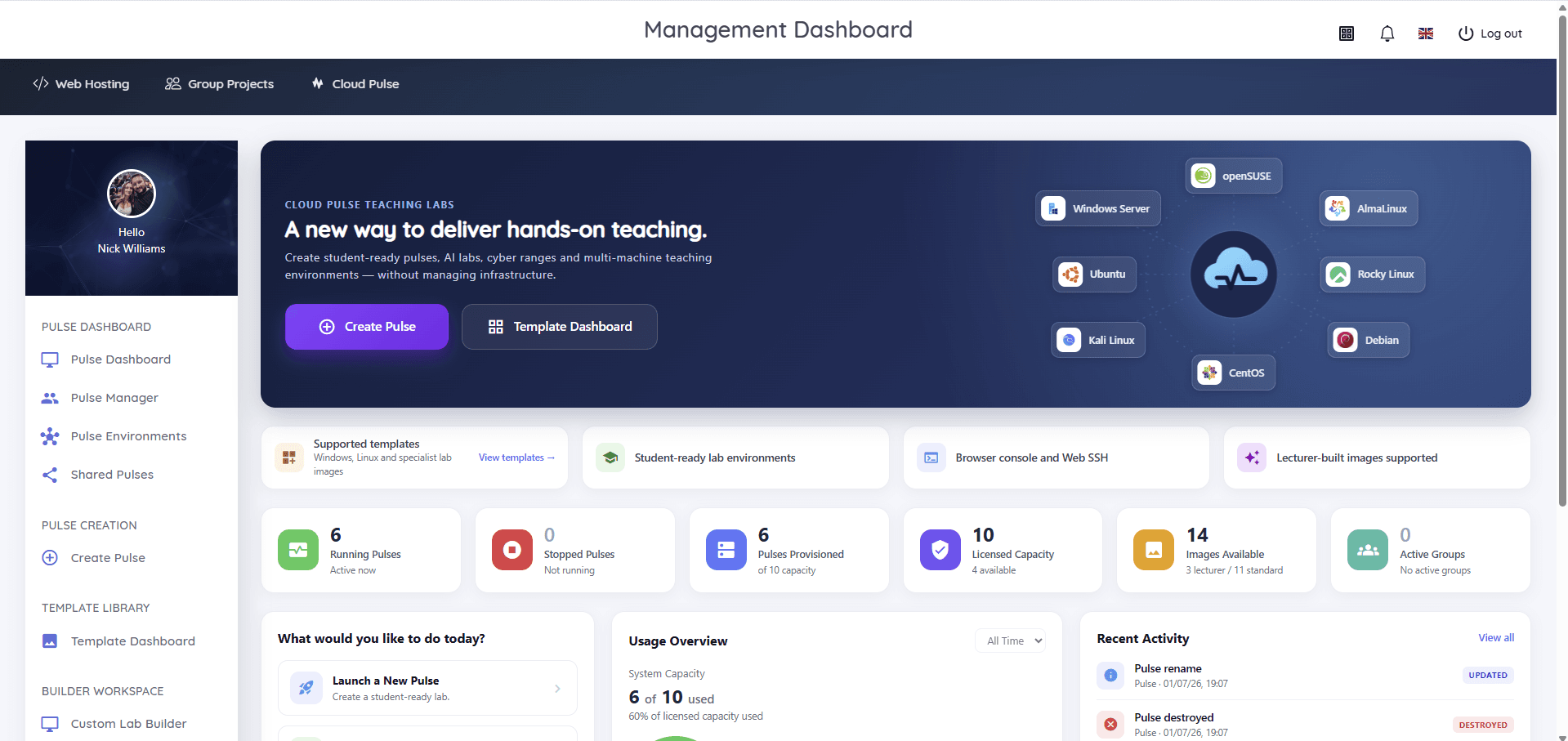
Development stacks are core Cloud Pulse territory: lecturer-built templates ship the module's toolchain — Python, Node.js, Java or PHP environments with Git, databases such as MongoDB or MySQL, Docker and web frameworks preinstalled where the module needs them — and students open identical environments in the browser, with console and Web SSH access. Individual pulses cover solo work, group environments cover the shared running instance, resets come from the template, and lecturers watch and help through Pulse Manager during live sessions.
Where the coursework's destination is a published website rather than a development environment — portfolios, WordPress work, client sites — Student Web Host Manager and the Student Web Hosting answer centre cover that model; plenty of departments deliberately run both, and the comparison guide linked above is the map.