A university with a capable cloud team can absolutely build a teaching-lab service directly from Azure resources — identity, networks, images, provisioning automation, scheduling and cost controls are all available as components. The real question is not whether Azure can do it but who assembles those components into a teaching product and operates it every semester afterwards. This guide sets out what the build involves, compares the operational responsibilities honestly, and offers a framework for deciding between building in-house, adopting a managed teaching-lab platform, or running both in a hybrid model.
Can a university build its own cloud-lab service in Azure?
Yes. Azure is a general-purpose infrastructure platform, and everything a teaching-lab service needs exists within it. Universities with strong cloud engineering teams have built exactly this, and nothing in this guide argues that Azure is unsuitable — the trade-offs here are about ownership and effort, not capability.
Four different things get conflated in this conversation, and separating them is half the decision:
- Microsoft Azure — the infrastructure platform: compute, networking, identity, storage and automation services
- Azure Lab Services — Microsoft's ready-made classroom product on Azure, closed to new customers since 15 July 2024 and retiring on 28 June 2027
- A bespoke lab service built on Azure — your team assembling Azure components into a teaching product it then owns
- A managed teaching-lab platform — a vendor's product, operated by the vendor, whether or not it runs on Azure underneath
The retirement of Azure Lab Services removed the middle option many universities relied on: a Microsoft-supported teaching layer on Azure. What remains is a genuine build-or-buy choice — and 'we already use Azure' is an input to that choice, not an answer to it.
Read next: Azure Lab Services alternatives guide
What would a university need to assemble in Azure?
A teaching-lab service is roughly a dozen components that must work together every semester. Each one exists in Azure; none of them arrives connected to the others, and none of them knows what a module, cohort or marking window is.
- Identity and access — integration with Microsoft Entra ID so students and staff sign in with university accounts, plus role separation between students, lecturers and administrators
- Virtual networks and isolation — a network design that keeps lab environments away from institutional systems and from each other, with network security groups controlling what can reach what
- Public and private access decisions — which environments (if any) are reachable from the internet, and a gateway or broker for remote access rather than machines exposed directly
- An image pipeline — building, storing and updating module environments as images, for example in an Azure Compute Gallery, with a workflow lecturers can actually feed into
- Provisioning automation — creating, naming and assigning an environment per student per module, at term start, reliably, for every cohort at once
- Scheduling and idle control — auto-shutdown schedules and start/stop behaviour so machines bill for teaching hours rather than the whole week
- Quotas, budgets and alerts — per-module and per-student limits, budget alerts, and a defined answer to what happens when a limit is reached mid-session
- Windows licensing — establishing how Windows Server machines are licensed for lab use under your agreements
- Monitoring and support tooling — knowing which environments are broken before students report them, and a way for staff to reach a stuck student's machine
- A lecturer-facing surface — the hardest part: some way for teaching staff to request, deploy, monitor and reset environments without raising infrastructure tickets
The last item deserves emphasis. Azure gives infrastructure teams excellent tools; it gives lecturers nothing out of the box. Either your build includes a custom teaching portal — a genuine software project — or every lecturer action becomes an IT request, which is precisely the workflow that makes practical teaching slow today.
Who runs what? The operational responsibility question
The build is a one-off cost; the operation is forever. This table is the honest comparison most build-versus-buy conversations skip — not what each option can do, but whose calendar the work lands on.
Neither column is free. The managed column still leaves your institution owning identity decisions, acceptable-use policy, module content and first-line triage — a managed platform shrinks the operational surface, it does not remove it.
| Responsibility | In-house Azure build | Managed teaching platform |
|---|---|---|
| Image and template maintenance | Your team (with lecturers) | Platform workflow; lecturers self-serve |
| Term-start provisioning | Your automation, your on-call | Provider's platform and processes |
| Identity and SSO configuration | Your team | Configured with provider during onboarding |
| Network and isolation design | Your team designs and maintains | Built into the platform model |
| Idle detection and cost control | Your policies, your monitoring loop | Platform controls; shared oversight |
| Windows licensing position | Yours to establish and maintain | Typically handled within the service — confirm |
| Student and lecturer support | Your service desk end to end | Split with provider per agreement |
| Platform upgrades and fixes | Your backlog | Provider's product roadmap |
| 9am term-time incident | Your team | Provider, with your team informed |
How would lecturers and students experience each option?
For lecturers, the difference is self-service versus service desk. A managed teaching platform is built around lecturer workflows — creating a module environment, deploying it to a cohort, watching it during a session, resetting a stuck machine. In an in-house build those capabilities exist only if your team builds them; until then, lecturers describe what they need and wait for infrastructure work, which is the bottleneck cloud labs were meant to remove.
For students, both options can be made good, and both can be made bad. The questions are identical either way: is access through a browser or does it need client software, does it work on low-powered and locked-down devices, does it flow through a managed gateway rather than exposing machines directly, and does sign-in use their university account. In an in-house build each of those is a design decision your team owns; on a managed platform they are properties you evaluate before buying.
How would usage, spending and idle resources be controlled?
Azure provides the mechanisms — auto-shutdown, budgets, alerts, policy enforcement — and none of them acts on your behalf beyond what you configure. The gap that catches institutions is between alerting and action: a budget alert at 4pm on Friday is only useful if someone owns responding to it, and teaching workloads generate their spikiest usage exactly when staff are busiest.
An in-house build therefore needs a running cost-management practice, not just controls: schedules aligned to timetables, automated stop policies students cannot bypass accidentally, monthly reviews of storage and snapshots, and a named owner. Managed platforms bake most of this loop into the product — which is much of what the platform fee buys. The full cost structure, including the storage and idle-time leaks, is covered in our university cloud lab costs guide.
Read next: University cloud lab costs guide
When is building in Azure a reasonable choice?
Building in-house is a legitimate decision in identifiable circumstances — this is a real list, not a straw man.
- You have a committed cloud engineering team with year-round capacity — including at term start, when the service is busiest and other projects also want them
- Your requirements genuinely break platform models — unusual architectures, integrations or scale that vendors cannot accommodate
- The scale is small and contained — one department, a handful of modules, where a full platform would be oversized
- Automation skills and an Azure estate are already deep — the build extends existing practice rather than starting a new discipline
- The build itself has curriculum value — cloud engineering courses that can treat the lab service as a living case study
When is a managed platform more appropriate?
Managed delivery tends to win when the teaching, not the infrastructure, is the point.
- Lecturer self-service matters — teaching staff should create and manage environments without a ticket queue
- IT capacity is finite and contested — the team exists but term-start lab operations would displace other priorities
- Multiple departments need labs — scale and variety that an internal build would take years to serve well
- Predictable ownership is valued — procurement wants a service with defined responsibilities, not an internal product with volunteer maintainers
- Speed matters — teaching needs labs next semester, not after a development programme
Can a hybrid model work?
Yes, and it is often the most honest answer. A managed teaching-lab platform for the standard practical-teaching estate, alongside direct Azure use where Azure itself is the syllabus — cloud computing modules in which students architect real cloud solutions on real cloud accounts — plays each approach to its strength.
Hybrid also fits institutions with one genuinely unusual workload: run the ninety per cent on a managed platform and hand-build the exception, rather than letting the exception force a full in-house programme. The boundary to manage is clarity — which workloads live where, and who supports what — so the hybrid does not decay into two half-owned services.
What should a total-cost comparison include?
Comparing a platform fee against an Azure consumption estimate is the classic mistake — it prices one side's ingredients against the other side's finished meal. A fair comparison prices both options as operated services over several years.
- Initial build effort — engineering time to a working service, including the lecturer-facing surface, priced honestly
- Ongoing operations — provisioning days, semester resets, upgrades, monitoring and cost management, every term
- Infrastructure consumption — compute, storage, snapshots and networking under realistic teaching usage
- Windows licensing — under your agreements for the build; as handled within the service for a platform (confirm how)
- Support load — service-desk volume for students and lecturers, and who absorbs it
- Lecturer time — hours teaching staff spend waiting on or working around the lab service
- Opportunity cost — what your cloud team does not build while it runs teaching labs
- Refresh and exit — keeping the build current as Azure evolves, or moving templates and data out of a platform later
Run the comparison over your actual module portfolio rather than an average, and let a pilot generate the usage numbers — assumptions about environment-hours are where these spreadsheets quietly go wrong.
Read next: How to run a cloud lab pilot
A short decision framework
Five questions separate most institutions cleanly. Answer them in order, in writing, with the people who would do the work in the room.
- Which is your interesting problem — the infrastructure or the teaching? Build for the first, buy for the second
- Do you have committed, year-round engineering capacity for a teaching-critical service — or borrowed capacity that evaporates under pressure?
- Do lecturers need self-service? If yes, price the portal your build would need before comparing anything
- Are your requirements actually unusual — or unusual only until written down and compared with what platforms model?
- What does a pilot say? Both delivery models can be piloted; evidence beats architecture debates
Where does Cloud Pulse fit?
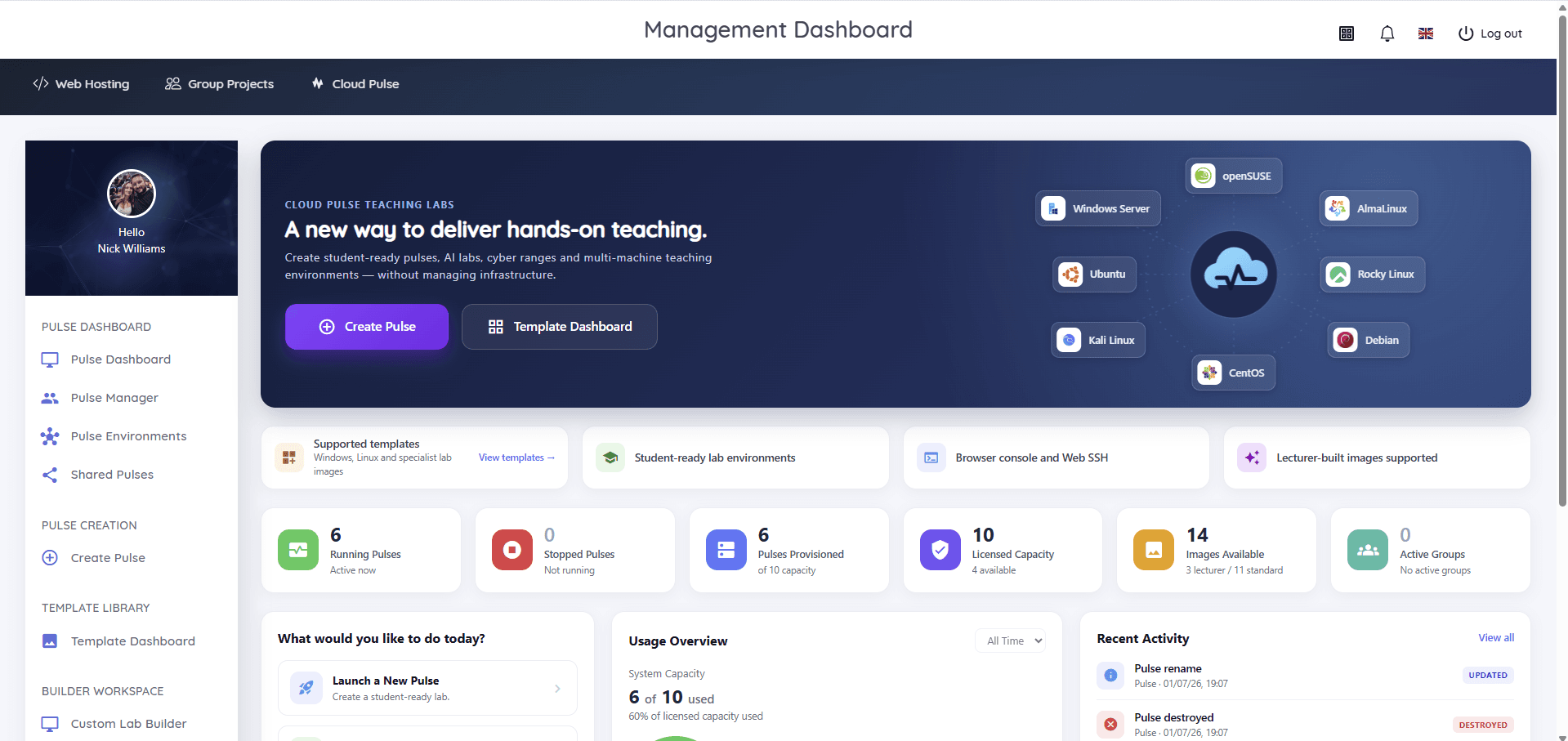
Cloud Pulse is Education Host's browser-based computing lab platform — the managed side of this comparison, built specifically around the teaching workflows an in-house build would otherwise have to create: lecturers deploy student-ready environments from reusable templates, design multi-machine labs with private networks, and monitor every student environment live with browser console and Web SSH access. Education Host operates the infrastructure underneath as part of the service, and Cloud Pulse can integrate with institutional identity providers, including Microsoft Entra ID, where an institution configures SSO.
Choosing it — or any managed platform — does not mean leaving Azure or Microsoft: your identity estate, Microsoft 365 and any direct Azure teaching continue unchanged, and a hybrid arrangement along the lines above is normal. If the framework in this guide points you towards managed delivery, the honest next step is a pilot on one of your own modules, costed against the same total-cost checklist you would apply to an in-house build.